Watch the important parts.
Skip the rest.

Video Summary turns a long recording into a short one that keeps only what was actually said. Every kept moment holds on to its original timestamp, so one tap takes you back to that exact second in the full video.

58:20→02:35 55:45 saved

14-day free trial, then $6.99/month. Everything runs on your phone.
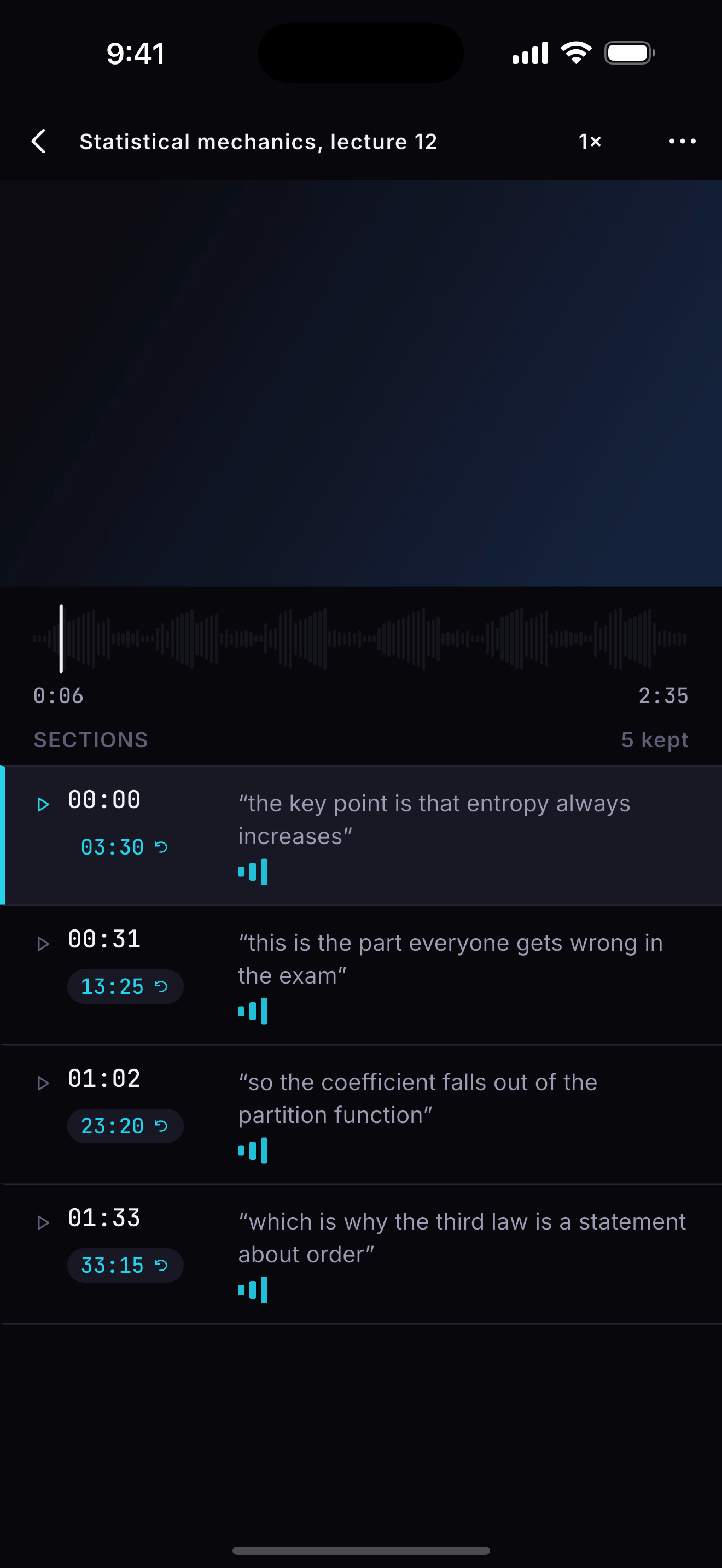
The Video Summary player: a digest playing above a list of the sections it kept, each with a timestamp back into the original.

Three taps, and an hour is eight minutes

Record in the app or import a video you already have. Choose how long the digest should be. Watch the app find the parts worth keeping.

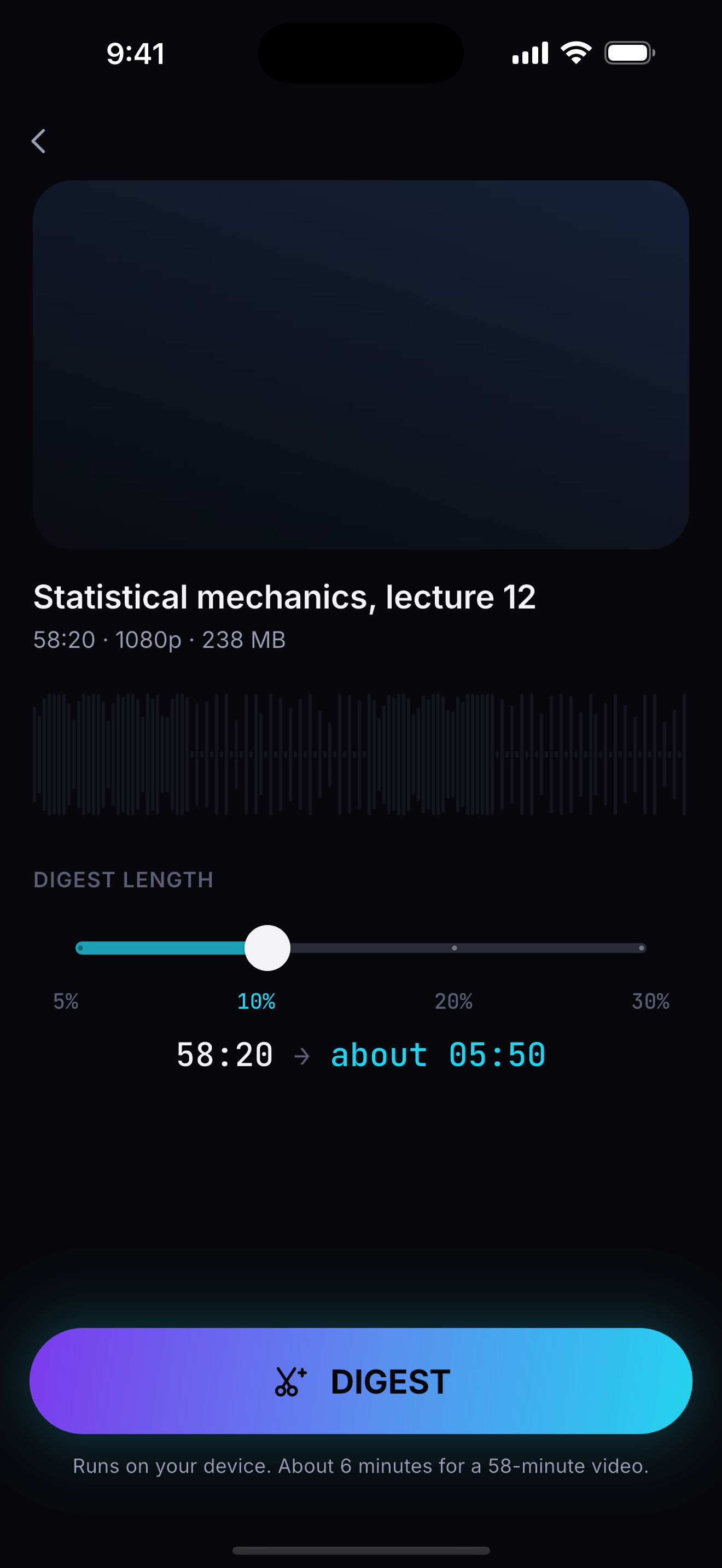
The setup screen, with a slider for the digest length and a live estimate of how long the result will be.
01 — CHOOSE

Pick a length

Five, ten, twenty or thirty percent, with a live estimate. Change your mind later and it re-cuts in seconds.

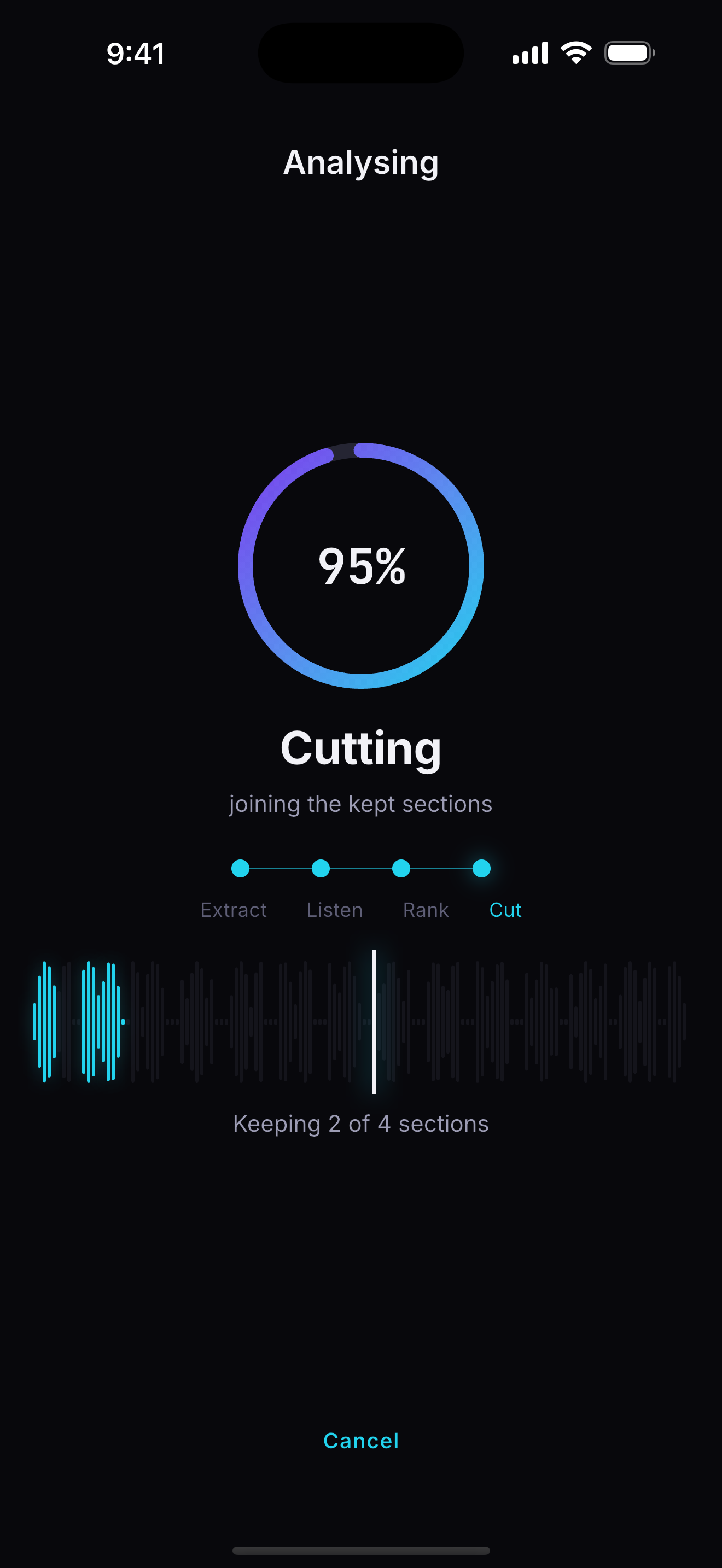
The processing screen, with a progress ring and a waveform lighting up as sections are selected.
02 — WATCH IT WORK

See it find them

The waveform lights up section by section as the app picks them. No spinner, no mystery.

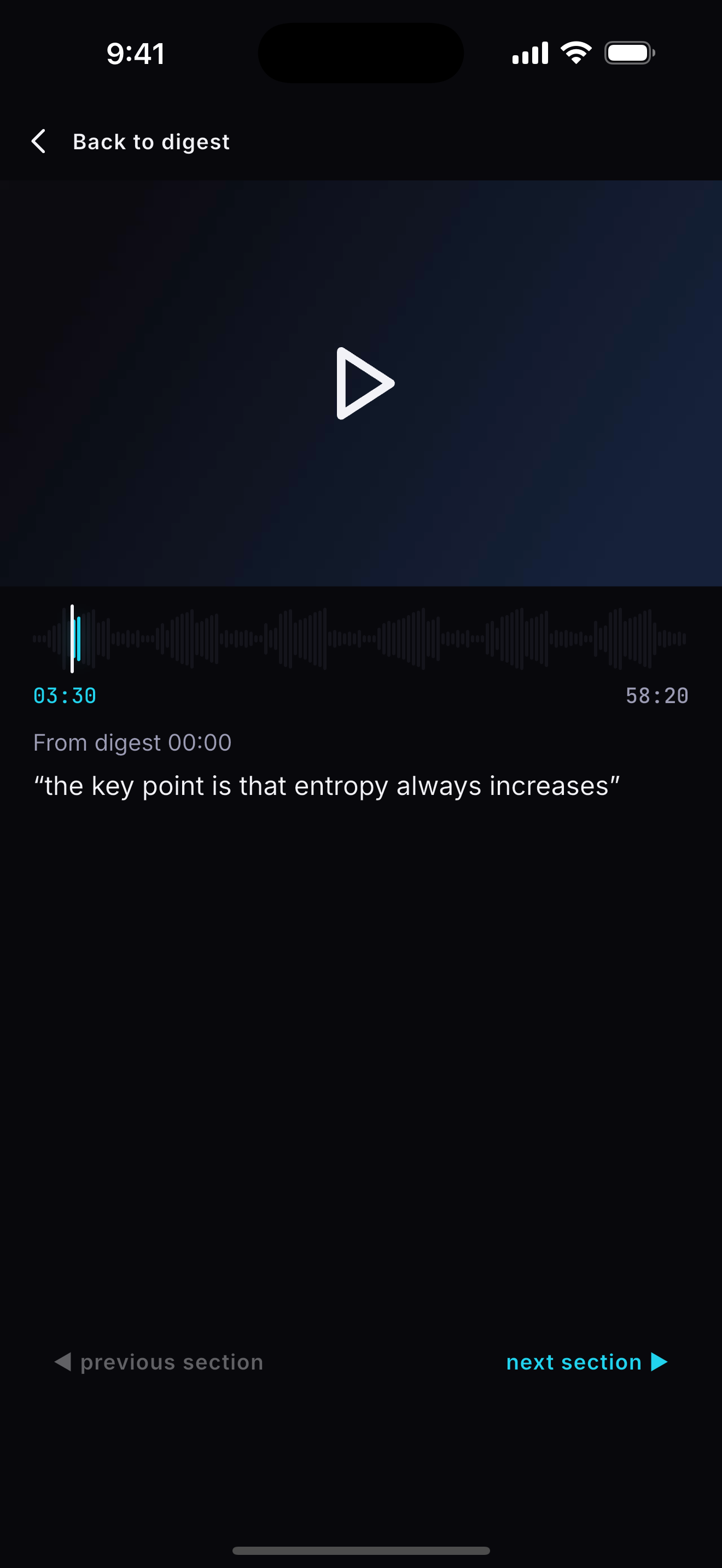
The original video open at the exact moment a kept section came from.
03 — JUMP BACK

Never lose the context

Tap any timestamp to open the full recording at that exact second, with the kept stretch shaded on the scrubber.

Built for long-form speech

Lectures, interviews, meetings, webinars, and your own raw footage. Videos you own, on a phone you own.

It reads what was said

The phone's own speech recognition supplies the words. Scoring is classical — term weighting, topic segmentation, cue phrases, prosody — not a guess from a chatbot.

No model, no cloud, no upload

Nothing is sent anywhere. No video, no audio, no transcript. The analysis runs on the device, in the dark, on a plane, wherever you are.

The original is never touched

Video Summary only ever reads your file. The digest is a new video beside it, and deleting a digest never touches the recording it came from.

A library that can be searched

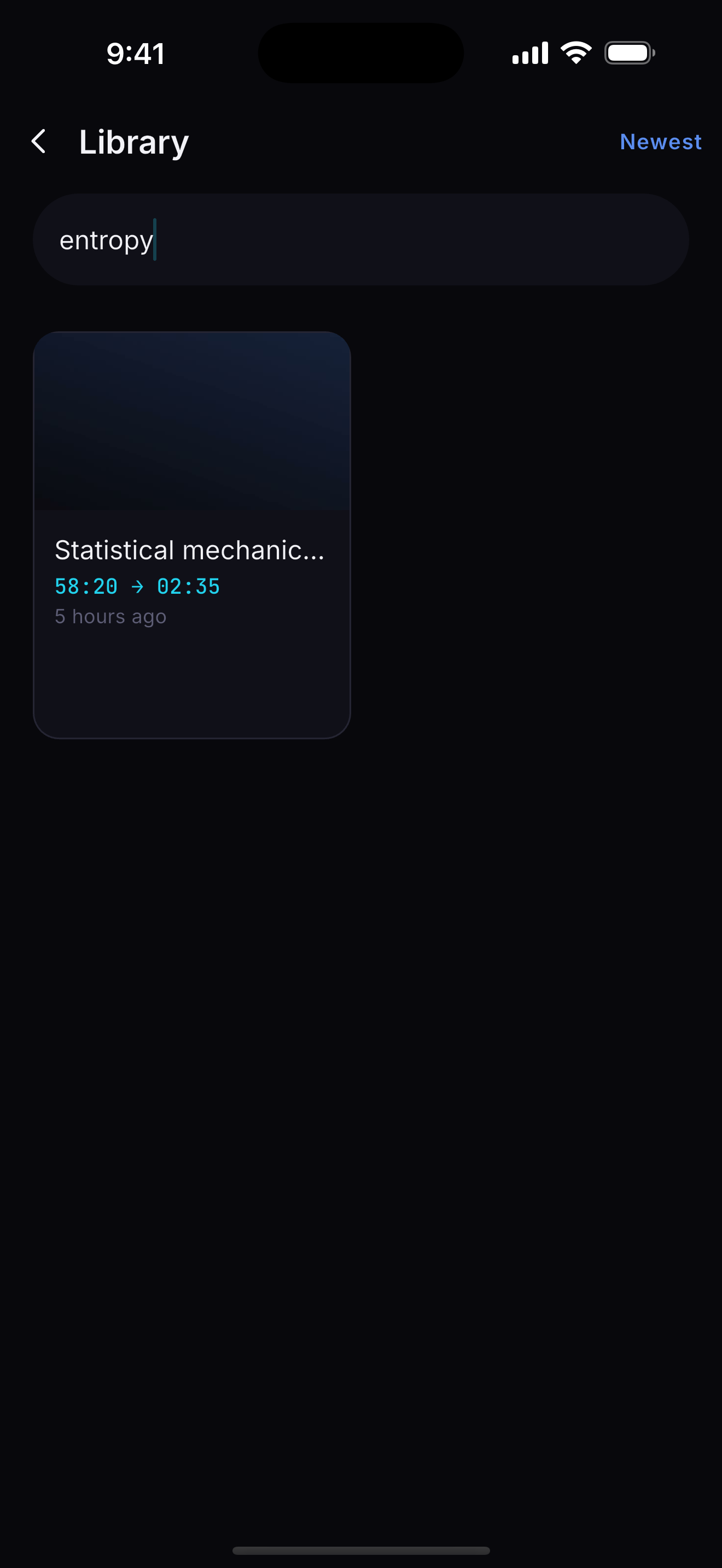
Search the words inside your digests, not just their names. Rename, re-cut at a different length, or delete — your digests stay yours.

Every screen, no filler

Five screens carry the whole product. This is all of them.

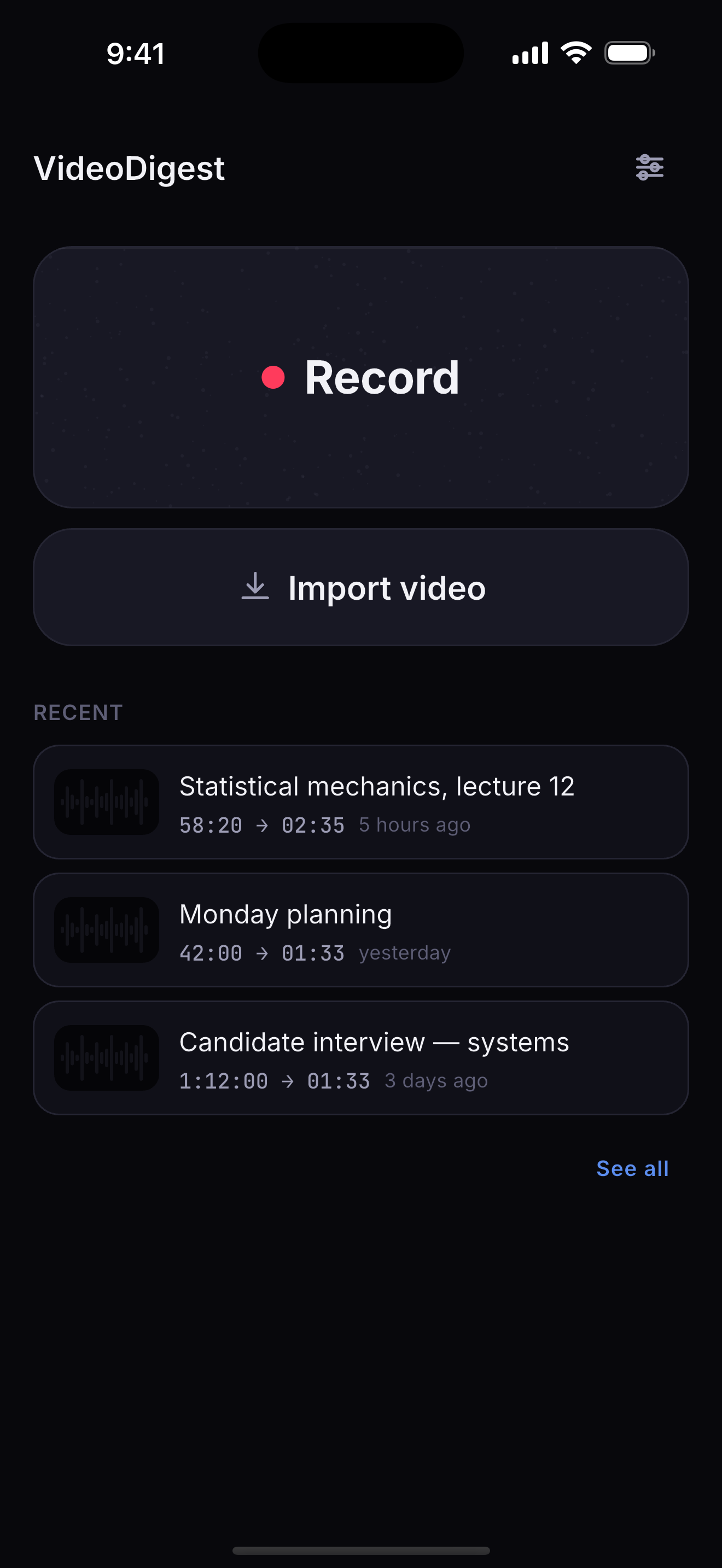
Home: record, import, and the recent digests.
Home
Choosing the digest length.
Length
Analysis in progress.
Analysis
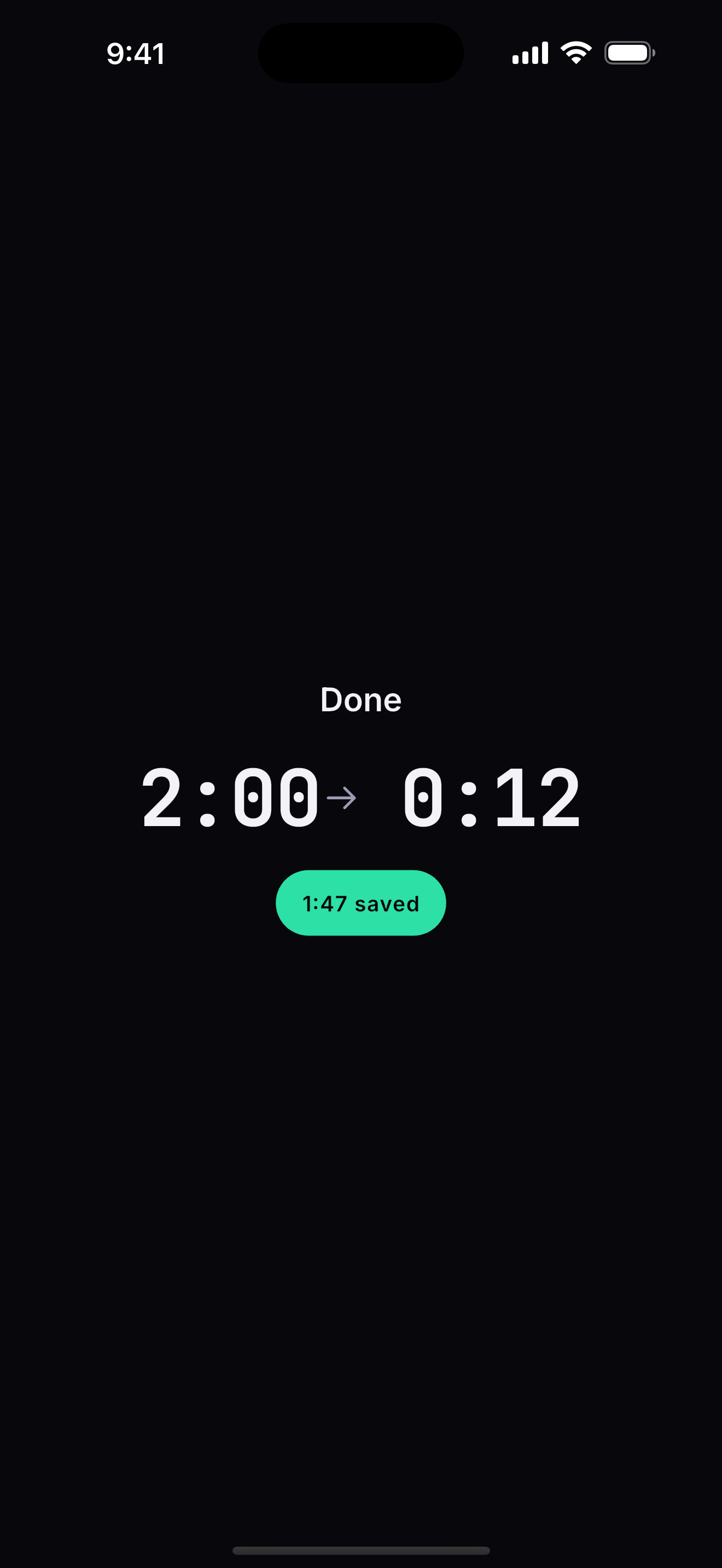
The completion reveal, showing how much time was saved.
The reveal
The digest player and its section list.
Player
The original video, open at the moment the digest took.
Jump back
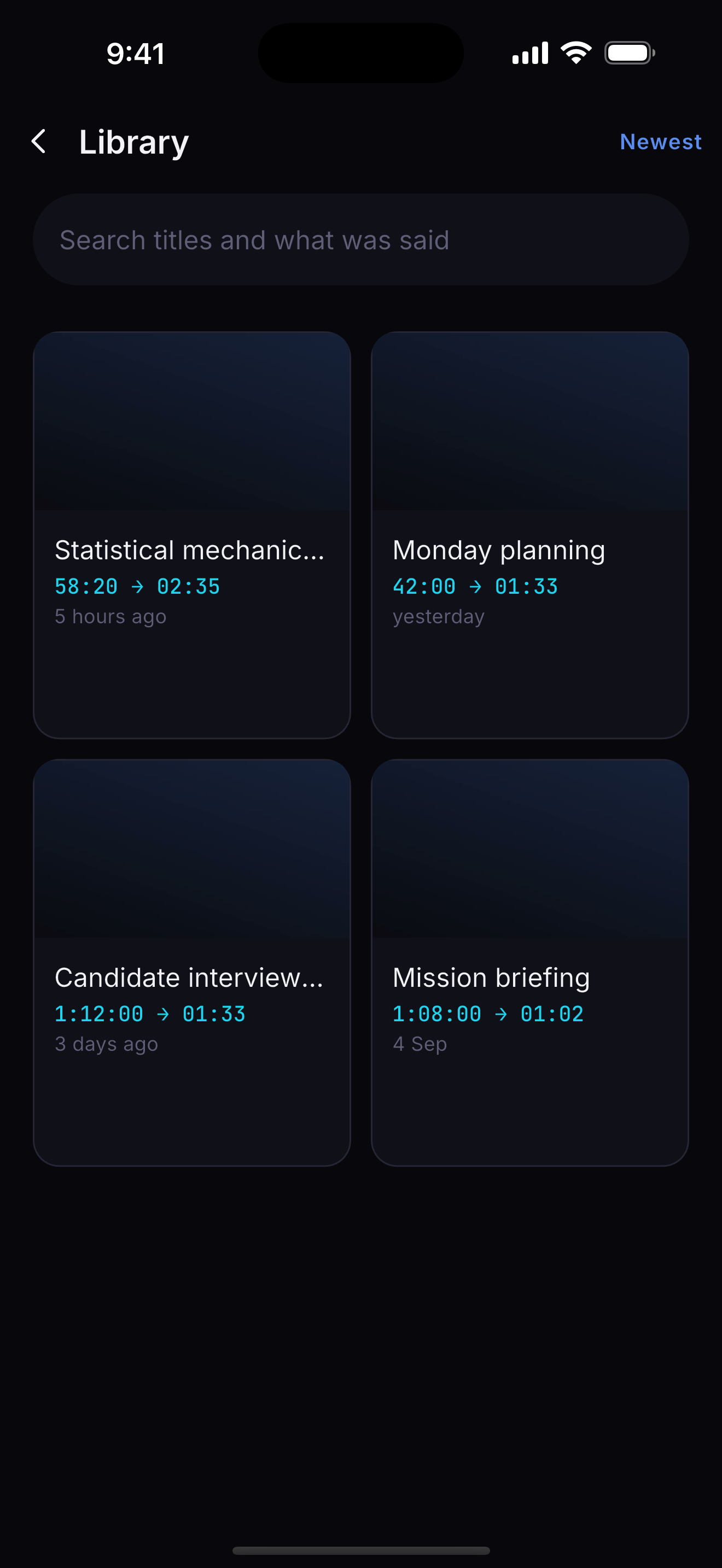
The library of digests.
Library
Searching inside digests.
Search
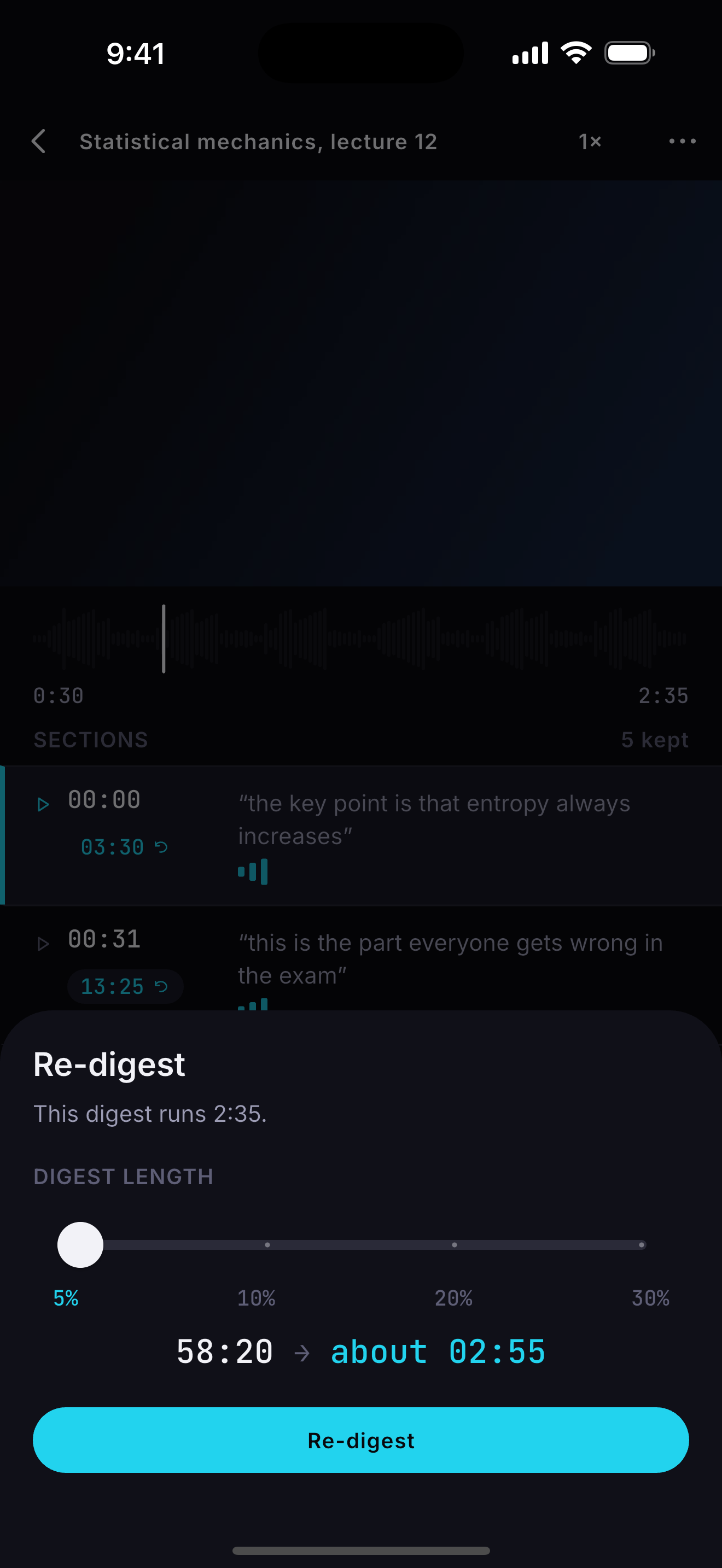
Re-cutting a digest at a different length.
Re-digest
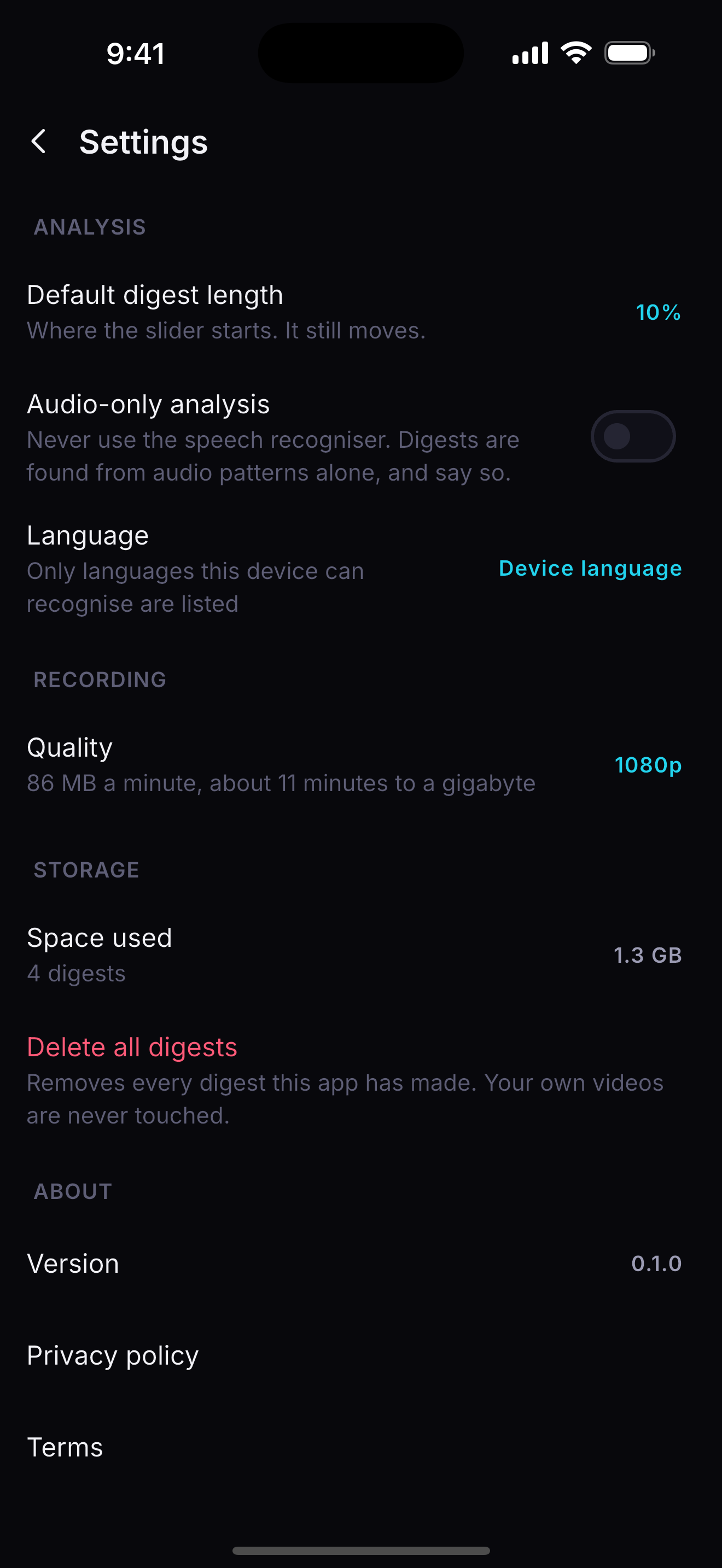
Settings: analysis, recording, storage.
Settings

Your recordings do not leave your phone

This is an architectural fact, not a policy promise. There is no upload path in the app.

  • No video, audio or transcript is ever transmitted.
  • Analysis, cutting and playback all happen on the device.
  • Two vendor SDKs make network calls: the subscription service, and crash reporting, which sends stack traces only.
  • No account. No sign-in. Nothing to breach.

Questions

How long does a digest take to make?

It depends on the phone and the recording. The slow part is reading the audio and recognising the speech; an hour-long video is minutes, not seconds. The screen shows you where it is the whole way through, and you can cancel at any point.

What if there is no speech?

The app falls back to audio patterns — energy, pauses, emphasis — and says so on the digest, so you always know how it was made.

Can I change the length after the fact?

Yes. The ranking is kept with the digest, so a different length re-cuts without analysing anything again.

What happens if my subscription lapses?

Every digest you have already made stays playable, forever. The subscription covers making new ones.

Does it work offline?

Yes, apart from the speech recognition on devices that need a language pack downloaded first. Nothing about the analysis requires a network.